Show every artwork
in its perfect frame,
on any wall.
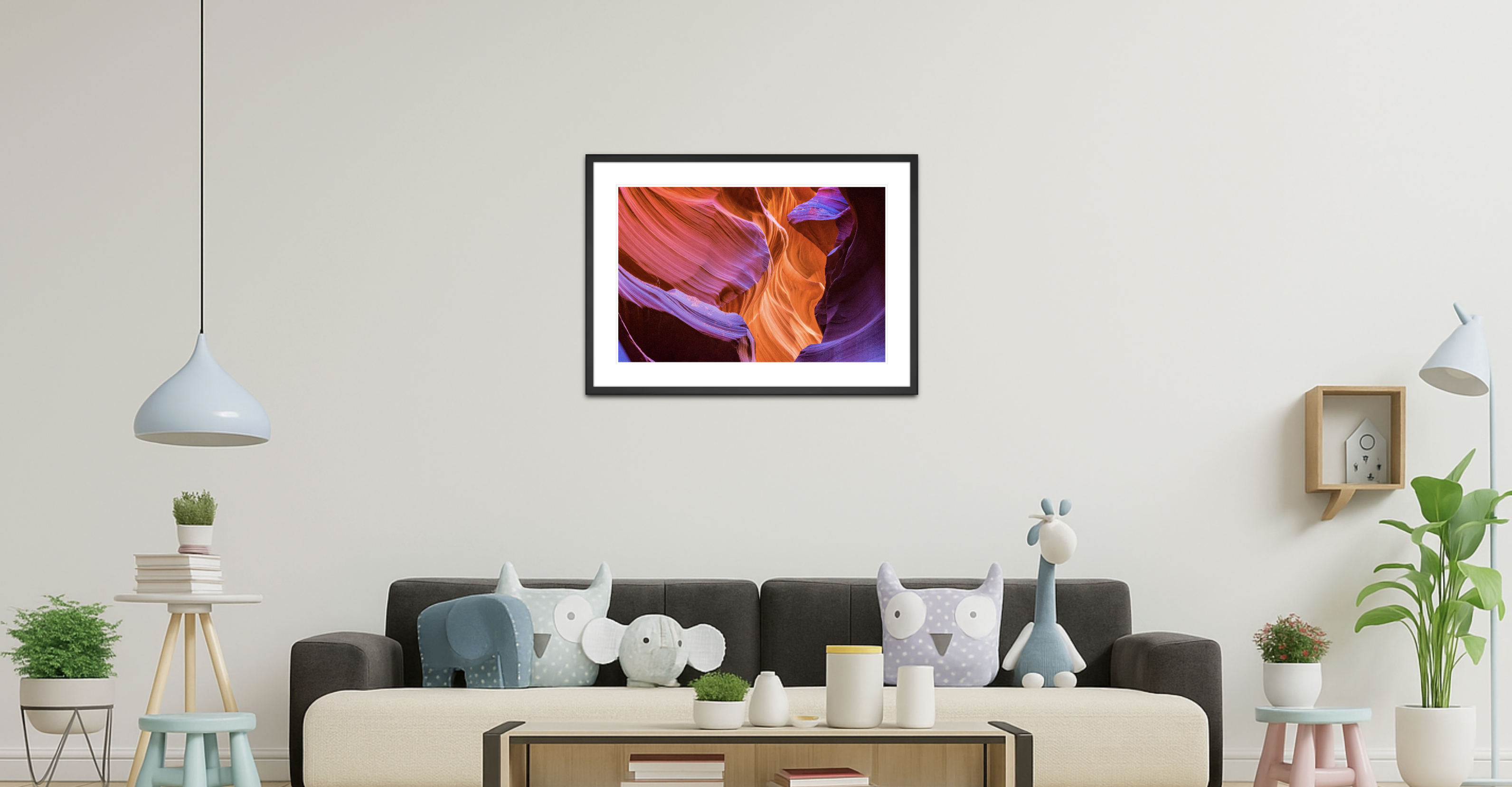
AIFRAMING is the enterprise-grade visualization platform built for galleries, framing studios, and interior designers — generate gallery-ready room mockups in seconds, not days.
Four steps from file
to client-ready mockup.
AIFRAMING absorbs the manual labor of styling artwork in context — so your team stops compositing in Photoshop and starts closing more orders.
Upload artwork
Drop in any JPG, PNG, TIFF, or PDF — single piece, series, or batch. Color profiles preserved.
Choose a wall
Pick from your saved wall library, or upload a client photo. Lighting and dimensions inferred automatically.
Frame it.
Choose moulding, mat, and finish. The AI handles depth, shadow, and reflection — gallery-grade every time.
Send to client
Export print-ready PDFs, share interactive links, or embed mockups directly in your storefront.
Everything a framing
operation actually needs.
Built from the ground up for the framing industry — not a generic visualizer with frames bolted on. Every feature is designed around the real workflow of styling artwork in context.
Photoreal AI mockups
Custom-trained diffusion model that understands moulding profiles, mat reveal, glass reflection, and gallery lighting. Output looks shot, not rendered.
Saved wall spaces
Build a private library of client rooms, gallery walls, and stock environments. One upload, infinite reuse — every plan includes dedicated wall slots.
Renders in seconds
Mockups complete in seconds, not minutes. Queue a batch while you walk to the espresso machine.
Built-in LLM concierge
Ask the assistant for moulding suggestions, draft client emails, or generate gallery copy — unlimited on Diamond.
Embed & storefront
Drop our mockup widget into Shopify, Squarespace, or any custom site. Customers visualize before they buy.
Batch processing & team workspaces
Queue hundreds of pieces for overnight rendering. Invite stylists, photographers, and account managers — role-based access, shared asset libraries, audit logs.
Print-ready exports
High-resolution PNG, layered PSD, or proofing PDF — every file ready for client review or print production.
Start at $99.
Scale without surprises.
Three transparent tiers. No per-render fees. No surprise overages. Built for studios that know exactly how their month is going to look.
For solo framers & small studios
- 10 wall spaces
- 500 mockup renders / month
- Standard moulding library
- PDF & PNG export
- Email support
For working studios & design firms
- 50 wall spaces
- 2,500 mockup renders / month
- Full moulding & mat library
- Layered PSD export
- Storefront embed widget
- Up to 5 team seats
- Priority support
For galleries & multi-location operators
- 100 wall spaces
- Unlimited mockup renders
- Unlimited built-in LLM chat
- API access & webhooks
- White-label embeds
- Unlimited team seats
- Dedicated account manager
The online AI frame design system
changing the industry.
Aiframing is an industry-changing online AI frame design system — and a trusted partner to artists and designers.
Put framing on your own site, set your markup, keep it.
Apply to embed the widget →A frame is a decision.
Help your clients see it.
Replace your Photoshop compositing workflow with one tool built for the job. 14-day trial — no card required.